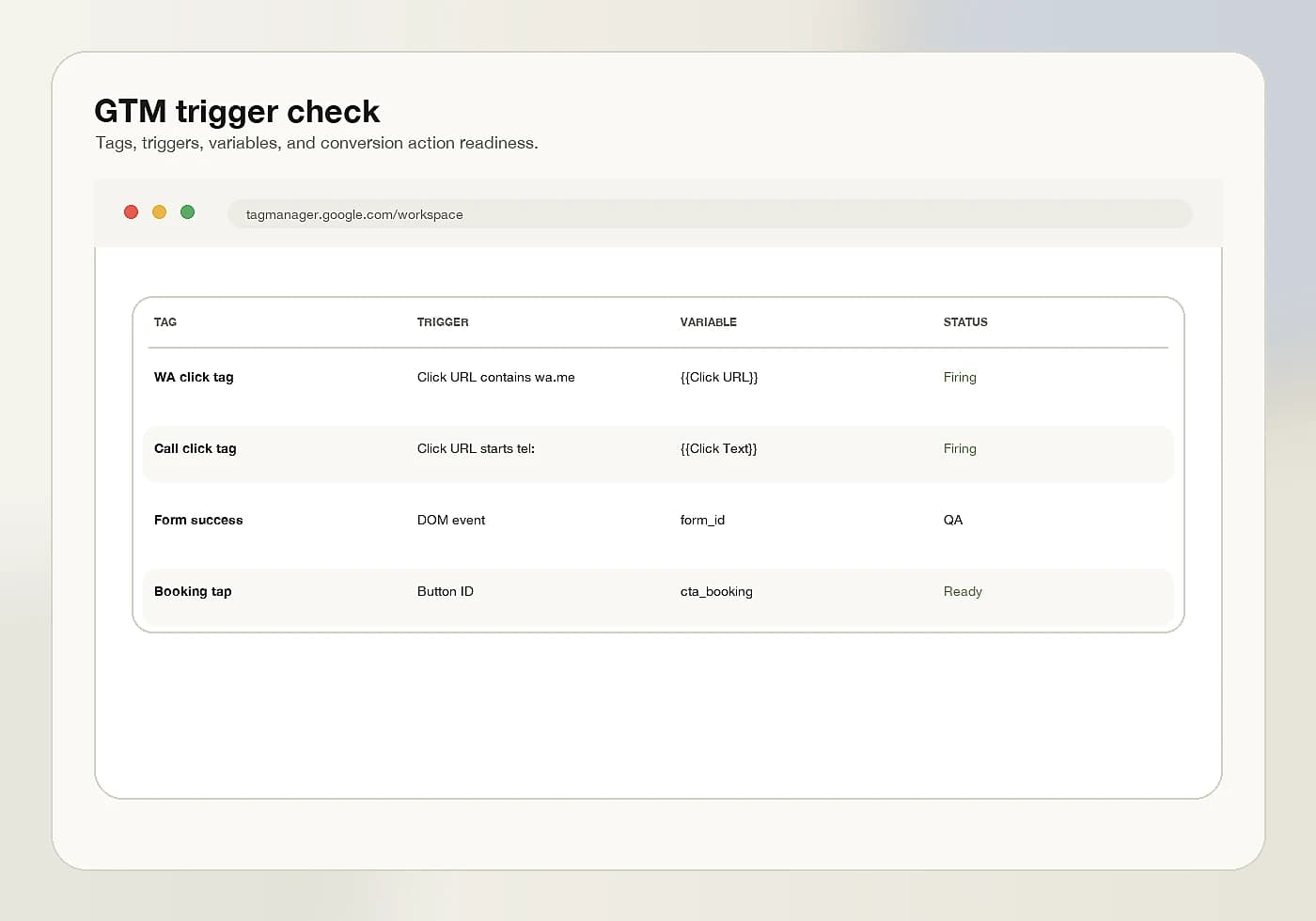

Without conversion tracking, optimization becomes opinion. With clear events, decisions can follow real user actions.
Define Meaningful Events First
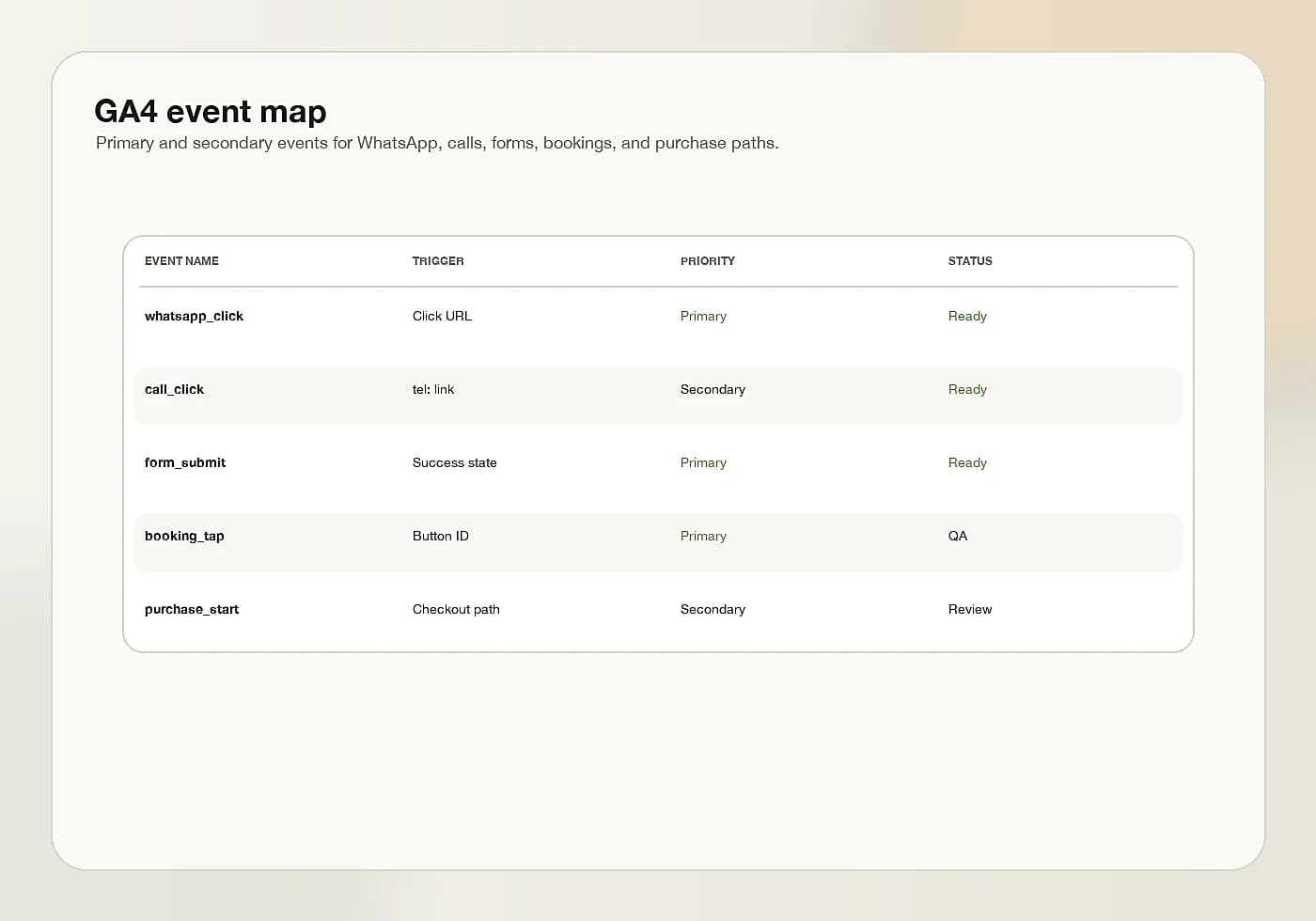
Before configuring GA4 or GTM, the business should define which actions matter. For a service business, that may include WhatsApp clicks, call clicks, form submissions, booking buttons, or consultation requests.
For e-commerce, it may include product views, add to cart, checkout steps, purchases, email signup, or returning customer actions. The tracking plan should match the business model.
- Name events clearly and consistently.
- Separate soft engagement from high-intent actions.
- Check events on desktop and mobile.
Related on this site
External reference
GTM Helps Keep the Setup Practical
Google Tag Manager can make tracking easier to organize when events, triggers, and tags are named carefully. The setup should remain readable so future reviews do not become guesswork.
The most useful tracking setup is not the most complex one. It is the one that reliably captures the actions the business will actually use for decisions.